Slack Games for Remote Teams That Don't Annoy the Channel
Slack games can help remote teams connect, but only if they stay short, optional, and async-friendly. Here is what works, what gets noisy, and how to run them well.
By Blake Johnston
Slack is where remote teams already talk, which makes it tempting to solve every culture problem there.
That temptation is dangerous.
A good Slack game gives the team one small shared thing to react to. A bad Slack game turns the channel into a notification fountain, pings people during focus time, and makes the quiet teammates even quieter because now "fun" has become another place to perform.
The difference is not the game itself. The difference is the operating model.
Slack games work when they are short, optional, async-friendly, and visible in exactly the right places. They fail when they behave like a meeting disguised as a bot.
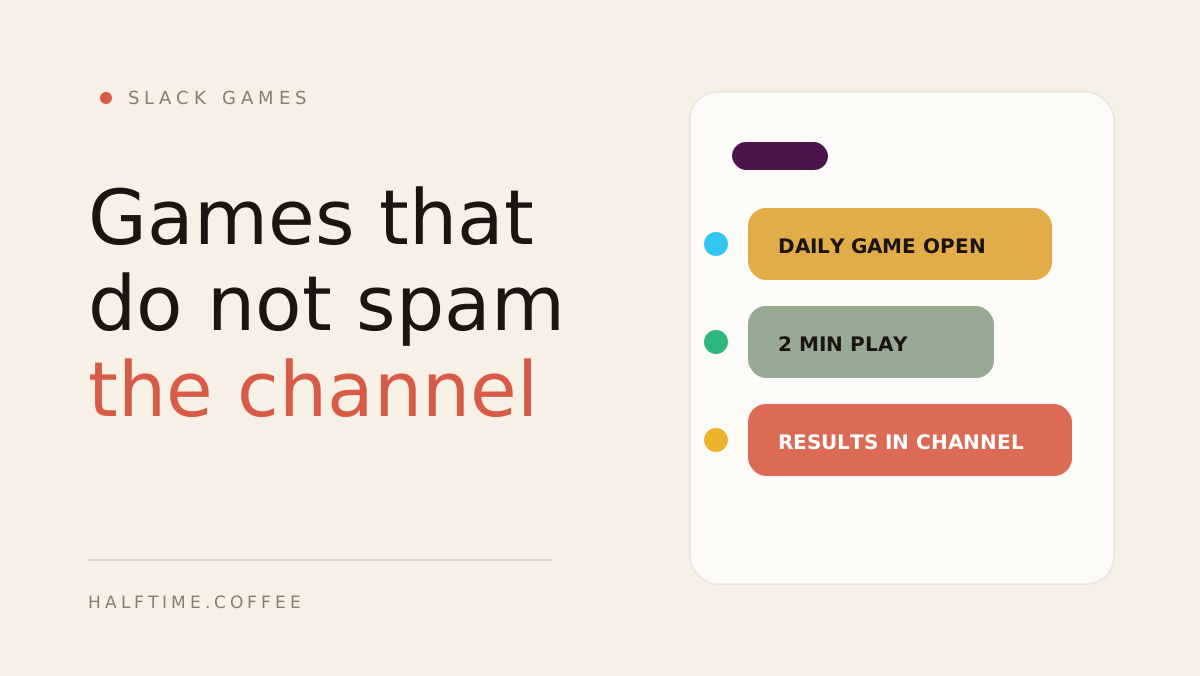
If you want the version that runs itself, Halftime opens one daily game in your team's channel, lets everyone play in the browser, then posts the results back where the team can talk about them.
The Slack game rule
Every Slack game should pass this test:
Could someone ignore this today without being punished, confused, or dragged back in tomorrow?
If the answer is no, the game is probably too heavy.
Remote teams already live inside enough pings. The point of a Slack game is not to add more noise. The point is to create one useful bit of social texture in a channel that otherwise becomes status updates, meeting links, and "quick question" messages.
That means the game needs a small footprint:
- One clear prompt or link.
- One place to play.
- One result moment.
- No repeated everyone tags.
- No host chasing people.
The game should feel like something the channel notices, not something the channel has to manage.
1. Daily async team game
This is the strongest format for remote teams because it respects the shape of remote work.
The game opens in Slack. People click through when they have two minutes. Someone plays before standup. Someone plays after lunch. Someone in another timezone plays while everyone else is offline. The score lands later, and the channel gets a reason to react.
That rhythm matters.
Live games are binary. You were there or you missed it. Async games create a participation window. That makes them much better for distributed teams, especially if the team has parents, deep work blocks, customer calls, or awkward timezone spread.
The trick is to make the result visible. A score, leaderboard, record, champion, or funny miss gives the team something to talk about afterwards. Without that, the game disappears into individual play.
This is the model behind Halftime: Slack carries the nudge and the result, while the game itself runs in the browser so the channel does not become the game board.
2. Trivia without the trivia night
Trivia works in Slack because people like being briefly, publicly wrong.
The mistake is turning trivia into a full event every time. A weekly thirty-minute trivia session can be fun, but it is still a meeting. Someone has to host it. Everyone has to show up at once. The team has to have the right energy at the same time.
For Slack, the lighter version usually works better:
- One question per day.
- Five-question weekly quiz.
- Over-under estimates.
- "Which happened first?" timeline questions.
- A Friday reveal with the top three.
Keep trivia short enough that nobody has to reserve calendar space. The banter after the answer is usually more valuable than the question itself.
3. Word games
Word games are a clean fit for Slack because they are easy to explain in text.
A daily five-letter word, a word scramble, a forbidden-word challenge, or a "make the longest word from these letters" prompt gives people something small to try without requiring cameras, voice, or group timing.
They also work well for quieter teammates. Not everyone wants to jump into a live social game. Plenty of people will happily post a score, a guess, or a screenshot after they have had a minute to think.
That is the whole point of async team connection: remove the spotlight, keep the shared moment.
4. Prediction games
Prediction games are underrated because they create conversation before and after the result.
Examples:
- How long will today's all-hands run over?
- How many unread Slack messages will the team have by 5pm?
- Which feature request will arrive first this week?
- What will be the most used emoji in the channel today?
- Will the release go out before lunch?
These work because the stakes are nonsense, but the opinions are real. The team gets to make a tiny bet on shared reality.
Just be careful not to make the prediction about an individual person's performance. "Will Alex finish the deck?" is not a game. It is a bad management habit with confetti on it.
5. Emoji and reaction challenges
Emoji games are useful when you want almost zero friction.
Try:
- Vote with reactions.
- Guess the phrase from emoji.
- Describe your week in three emoji.
- Drop the emoji that best captures this meeting.
- Pick the team mascot for the day by reaction count.
These are not deep culture work. They are small channel warmups. That is fine. Not every connection ritual needs to become a program.
The risk is overuse. If every message asks for reactions, people stop reacting. Use emoji games like seasoning, not lunch.
6. Prompt games
Prompt games sit between icebreakers and actual games.
The prompt has to be specific enough that people do not have to perform personality on demand. "Share a fun fact" is bad. "Would you rather have every meeting start five minutes late or every Slack thread split into three side threads?" is better.
Good Slack prompt games:
- Would you rather?
- This or that.
- Wrong answers only.
- Two truths and a lie.
- Rank these three options.
- Best bad idea wins.
If you need prompt ideas, the icebreaker question generator is useful for one-off meetings. For a recurring team habit, the hard part is not writing one prompt. It is remembering to run one every workday without becoming the team's activities coordinator.
The mistakes that make Slack games annoying
Most Slack games fail for operational reasons.
Too many messages.
If the bot posts every guess, every score, every reminder, and every reaction, people mute it. Post the opening moment and the result. Keep the play elsewhere.
Too much tagging.
The fastest way to make a game feel mandatory is to tag the whole team every time someone has not played. Use channel visibility, not social debt.
Too much setup.
If someone has to write questions, create teams, manage a bracket, explain rules, and publish results, the ritual depends on one person's spare energy. That will die.
Too much vulnerability.
Remote team connection does not require everyone to disclose their childhood memories in Slack. Start with games that ask people to choose, guess, play, or react.
Too much live timing.
If the game needs everyone at the same time every week, it is not really a Slack game. It is a meeting with a Slack link.
A simple Slack game cadence
Here is a cadence that works for most remote teams:
Monday: one async game.
Tuesday: one low-pressure prompt.
Wednesday: one word, trivia, or prediction challenge.
Thursday: one async game.
Friday: results, weekly champion, or best moment from the week.
Do not start with five things if the channel is currently quiet. Start with one daily game or one weekly rhythm and let the team show you whether it has appetite.
The best signal is not raw participation on day one. It is whether people mention the game without being asked.
What to look for in a Slack game tool
If you are choosing a tool, look for the boring features first:
- Browser play, so nobody has to install another app.
- Async participation, so timezone spread is not punished.
- Visible results, so the game becomes conversation.
- Quiet notifications, so the channel stays usable.
- Leaderboards or records, so the ritual accumulates memory.
- Easy opt-out, so fun does not turn into compliance.
The tool should remove admin work, not create a second job for the manager.
Slack is the room, not the whole ritual
The strongest Slack games do not try to live entirely in Slack.
Slack is good for the nudge, the reaction, the joke, the "how did you get that score?" moment. It is less good as the place where every click, guess, and rule explanation happens.
Use Slack as the room where the team notices the ritual. Let the game happen somewhere designed for play.
That keeps the channel clean and the habit repeatable.
If your remote team lives in Slack, Halftime for Slack gives the channel one two-minute game every workday. Async play, browser-based, results back in channel, no host required. Set up your team.
FAQ
Common questions
What are good Slack games for remote teams?
Good Slack games for remote teams are short, optional, easy to join from a browser, and visible enough to create conversation without filling the channel with noise. Daily async games, trivia, word games, one-question prompts, prediction games, emoji challenges, and lightweight leaderboards usually work better than long live events.
How do you run Slack games without annoying people?
Keep the game in one channel, post only the open and result moments, make participation optional, avoid tagging everyone repeatedly, and choose games people can finish in two to five minutes. The channel should get a small shared moment, not a constant stream of bot messages.
Are Slack games better live or async?
Async Slack games are better for recurring remote team connection because people can play when their day allows. Live Slack games can work for team meetings, retros, or Friday socials, but they should be treated as events rather than the default weekly habit.
Does Halftime work with Slack?
Yes. Halftime can post the daily game into Slack, let teammates play in the browser on their own time, then bring results back to the channel. Slack carries the ritual moments while Halftime handles the game, scoring, leaderboard, and weekly champions.