Microsoft Teams Webhooks in 2026: What Still Works
Teams Workflows webhooks still work in 2026. Microsoft 365 Connectors are nearing deprecation, so use Workflows or a Teams app for new integrations.
By Blake Johnston
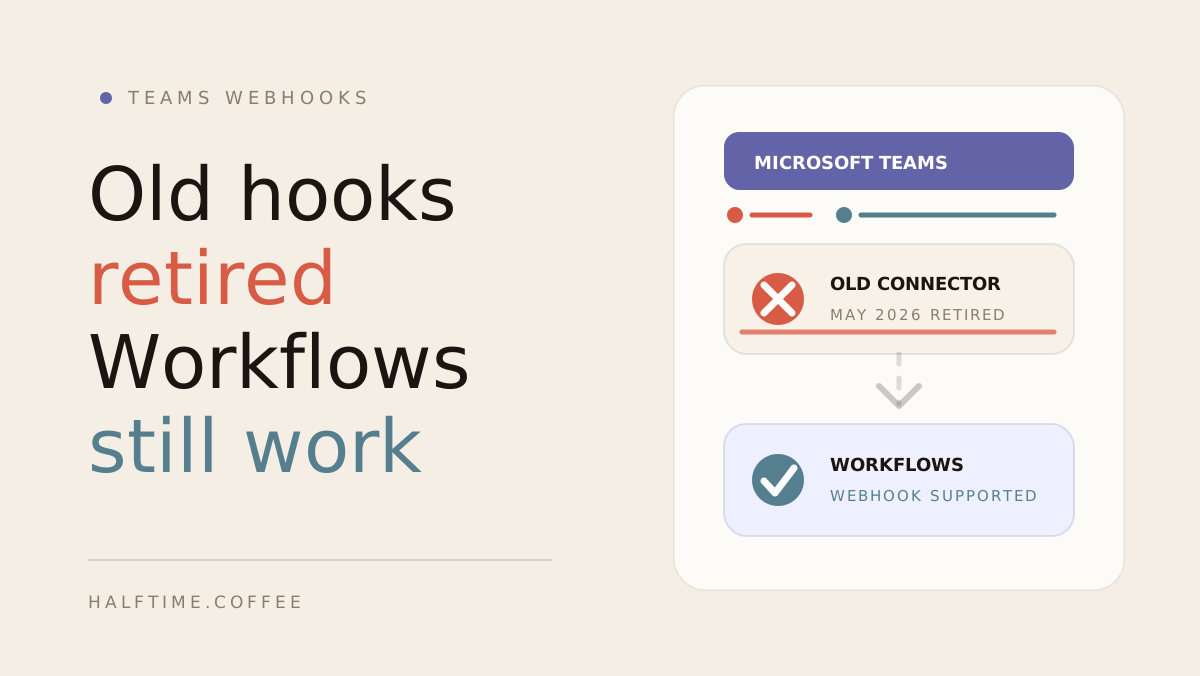
Legacy Microsoft Teams incoming webhooks are not the same thing as Teams Workflows webhooks.
That distinction matters now.
Microsoft has not documented a completed May 2026 retirement of all legacy incoming connectors. Its current Teams admin guidance says Microsoft 365 Connectors are nearing deprecation and that creation of new connectors will be blocked soon. Teams Workflows webhooks remain available.
Short version: use Teams Workflows for new webhook-style integrations and plan to migrate legacy connector URLs.
Current status in July 2026
Microsoft's current Teams connector administration documentation, last updated in April 2026, describes Microsoft 365 Connectors as nearing deprecation. It says new connector creation will be blocked and directs customers toward Power Automate-based Workflows.
That is a migration warning, not evidence that every legacy URL stopped on one date. Existing connector behavior can vary by configuration and tenant, but new product work should not depend on the legacy connector path.
The practical symptom is simple: the app still thinks Teams is connected, but messages no longer appear in the channel.
What still works
Teams Workflows can still receive an HTTP request and post a message into a Teams channel or chat. Microsoft's current incoming webhook setup guide documents the supported Workflows pattern.
For simple product notifications, that is often enough. A workflow URL can receive a JSON payload from your app, then Teams posts the message where the workflow is configured to post it.
For richer cards, Microsoft supports Adaptive Card payloads through this workflow model. That matters for product notifications because a good Teams message usually needs a title, a short summary, and a button, not just plain text.
Workflows webhook vs Teams app
There are two realistic ways to post product notifications into Teams in 2026.
| Approach | Best for | Tradeoff |
|---|---|---|
| Teams Workflows webhook | Simple channel notifications, fast setup, internal teams | User-created workflow, manual URL paste, weaker lifecycle handling |
| Teams app or bot | First-class install, channel selection, tenant identity, proactive messages | More engineering, Microsoft app setup, approval and admin consent work |
The Workflows webhook path is the pragmatic option when you need to post reminders and results into one Teams channel.
The Teams app or bot path is better when the integration itself is part of the product experience. It can handle installs, uninstalls, conversation references, proactive messages, and richer setup flows in a way a pasted webhook URL cannot.
Microsoft's Teams platform docs describe this more durable route as proactive bot messaging, which is the right model when an app needs to send scheduled messages after installation.
Why old Teams webhooks break
The old connector model gave teams a webhook URL directly from the Teams channel connector experience.
That URL was convenient, but it depends on connector infrastructure Microsoft is deprecating. As connector support changes, messages sent to an old URL can fail even if the app still has the URL saved.
If your Teams webhook stopped working, check where the URL came from:
- If it came from Office 365 Connectors or "Incoming Webhook" connectors, replace it.
- If it came from Teams Workflows or Power Automate, it should be the supported path.
- If you need central admin control and smoother install behavior, consider a Teams app or bot.
What this means for Halftime
Halftime for Microsoft Teams uses Teams for the nudge and the result, while the game itself runs in the browser.
That model still makes sense during the connector migration. The important detail is the connection method: new Teams notification setups should use a Teams Workflows webhook rather than a legacy Microsoft 365 Connector.
For a daily game ritual, that means:
- Teams carries the daily game opening.
- Teammates play in the browser.
- Results and leaderboards return to the Teams channel.
- The channel gets one useful moment, not a stream of game mechanics.
When a Teams app is worth it
A Teams Workflows webhook is enough for a lot of teams.
A first-class Teams app becomes worth it when you need more than "post this message to this channel."
Consider a Teams app or bot if you need:
- A Slack-style "Add to Teams" install flow.
- Channel discovery instead of manual channel naming.
- Tenant, team, and channel identity stored cleanly.
- Install and uninstall lifecycle events.
- Proactive bot messages.
- Centralized admin consent.
- Marketplace or enterprise distribution.
That is a real product integration project, not a quick webhook swap. For many teams, Workflows webhooks remain the right first move.
How to fix a broken Teams notification setup
If an existing Teams integration stopped posting, identify the webhook type and recreate legacy connector setups through Teams Workflows.
Use this checklist:
- Open the target Teams channel.
- Go to Workflows.
- Create a workflow that receives a webhook request and posts to the channel.
- Copy the workflow webhook URL.
- Replace the old connector URL in the product that sends Teams notifications.
- Send a test message before relying on it.
If the test message works, the notification path is back on supported ground.
The simple answer
Microsoft Teams webhooks did not disappear entirely.
Legacy Microsoft 365 Connectors are nearing deprecation. Teams Workflows webhooks are the supported lightweight path for new webhook-style posting. For deeper product integrations, a first-class Teams app or bot is the more durable architecture.
For Halftime, that means Teams can still carry daily game reminders and results, but old connector URLs should be replaced with Teams Workflows webhook URLs.
If your team runs on Microsoft Teams, Halftime for Microsoft Teams gives the channel a daily two-minute browser game, async play, leaderboards, and Teams result moments. Start with one team.
FAQ
Common questions
Are Microsoft Teams incoming webhooks retired?
No. Microsoft says legacy Microsoft 365 Connectors are nearing deprecation, while Teams Workflows incoming webhooks remain available. Use Workflows or a Teams app or bot for new integrations.
Do Teams Workflows webhooks still work?
Yes. Teams Workflows can still receive HTTP webhook requests and post messages or Adaptive Cards into Teams. They are the supported replacement for legacy connector webhooks.
Why did my Teams webhook stop working?
First check whether the URL came from a legacy Microsoft 365 Connector or a Teams Workflow, whether the workflow owner still has access, and whether the destination channel changed. Microsoft recommends migrating legacy connector setups to Workflows.
Do I need a Teams app or bot to send notifications?
Not always. A Teams Workflows webhook is enough for simple channel notifications. A Teams app or bot is better when you need a first-class install flow, tenant identity, lifecycle handling, channel selection, or proactive messages at scale.
Does Halftime work with Microsoft Teams in 2026?
Yes. Halftime can post daily game reminders and results into Microsoft Teams using supported Teams Workflows webhooks. Older Office 365 connector webhook URLs may need to be replaced.