 Halftime for Microsoft Teams
Daily team games in Teams.
Halftime opens one two-minute game in your Microsoft Teams channel each workday. Everyone plays on their own time, then results land back where the team can react.
Does Halftime work with Microsoft Teams in 2026?
Yes. Halftime can post daily game reminders and results into Microsoft Teams using Teams Workflows webhooks. Microsoft says legacy Microsoft 365 Connectors are nearing deprecation, so new setups should use Workflows and older connector URLs should be migrated.
Read the Teams webhook updateNew to Halftime? Create a free team first. Already have a team? Sign in as an owner or admin, then connect Microsoft Teams from notification settings. Still comparing options? Read the best team engagement tools guide.
Halftime
9:00 AM
Daily Halftime is open
Today's game is Tower Stack.
Two minutes. Play when you have a gap. Results land back here at 4pm.
Halftime
4:00 PM
Results are in
How it works
Teams gets the ritual moving.
Create a Teams Workflows webhook
Choose the channel where your team already works, then create a supported webhook through Microsoft Teams Workflows.
Connect it in Halftime
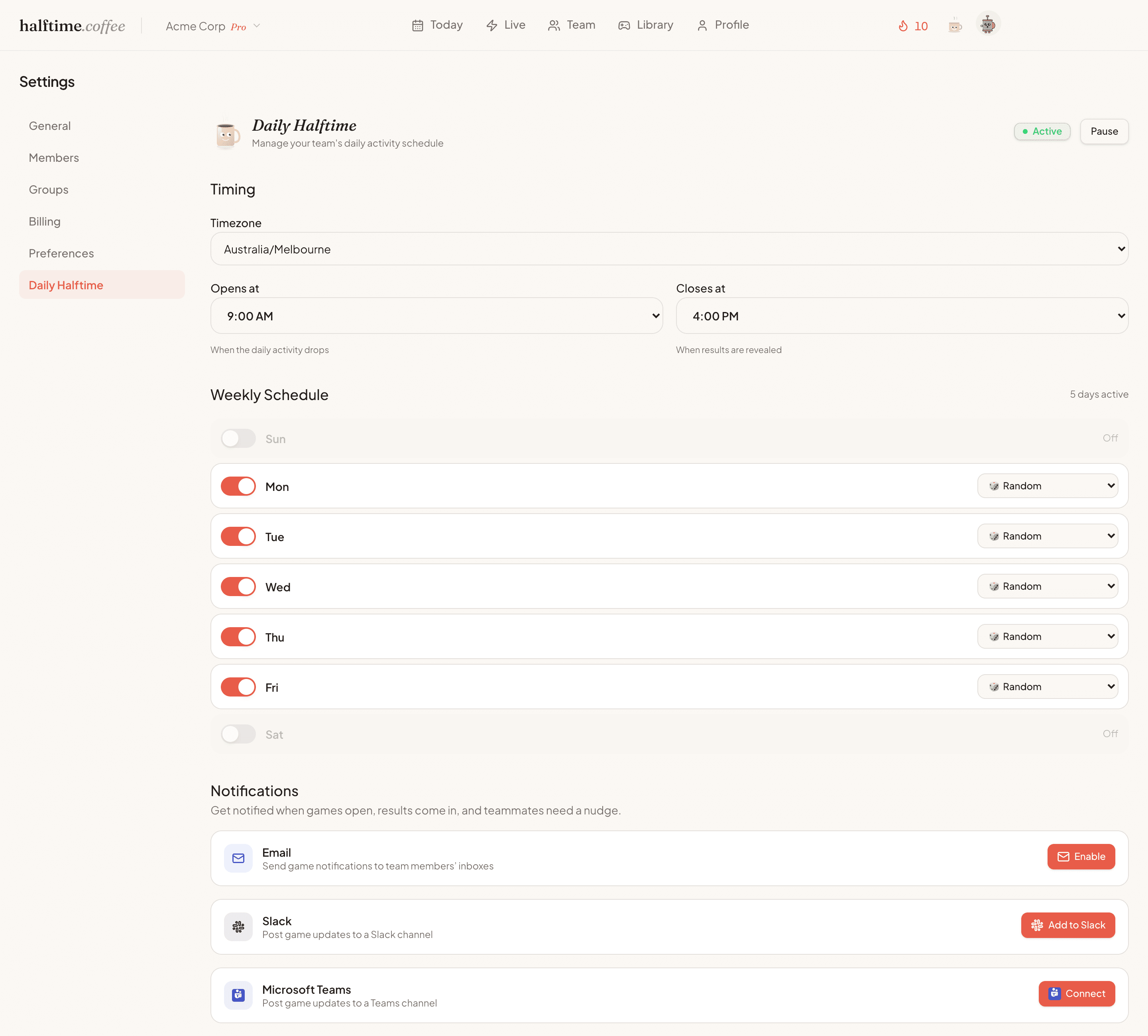
Paste the webhook URL into Halftime settings, name the channel, and send a test message before saving.
The daily game shows up
Halftime opens the game, teammates play in the browser on their own time, and results return to Teams.
What Teams does
Useful nudges, not meeting theatre.
No extra meeting
Teams carries the nudge, but the ritual stays async. No host, no calendar invite, no forced attendance.
50+ game formats
Arcade, word, puzzle, trivia, strategy, and creative games rotate through the workweek.
Built for channel moments
Microsoft Teams is used for the useful beats: open, results, and the small conversation afterwards.
Before you roll it out
Start small. Keep what sticks.
Will people actually play?
Start with one team and watch the pattern. The daily game is opt-in and async, the nudge lands in the channel the team already checks, and nobody has to host anything.
Will it clutter the channel?
Teams gets the useful beats only. The morning open, a reminder if the team wants one, and the result everyone reacts to. Gameplay happens in the browser, so game mechanics never flood the channel.
Do teammates need to install anything?
No. Everyone plays in the browser, which matters on locked-down work laptops. The Teams connection is a Workflows webhook an owner or admin sets up once, and you can pause or disconnect it from settings any time.
What if it doesn't stick?
Then you stop. There's nothing to cancel. The first 30 days are free with no credit card, and even after that your team keeps the daily puzzle, icebreaker and joke free.
Connect
Add Halftime to your Teams channel.
Microsoft Teams uses a Workflows webhook instead of the Slack-style OAuth install button. Create the workflow in your Teams channel, then paste the URL into Halftime settings. Halftime sends a test message before saving it.
Teams setup
Halftime stores the Teams Workflows webhook URL for the channel you choose, then uses it to post daily game openings and result summaries.
- You choose the Microsoft Teams channel.
- Halftime sends a test message before saving the Workflows webhook.
- You can pause or disconnect Teams notifications from settings.
- Gameplay happens in the browser, so Teams stays clean.
Common questions
Microsoft Teams setup, without the guesswork.
- Does Halftime work with Microsoft Teams?
- Yes. Halftime can post daily game openings and results to a Microsoft Teams channel using a supported Teams Workflows webhook. Teammates play in the browser, while Teams carries the reminders and result moments.
- Do Microsoft Teams incoming webhooks still work in 2026?
- Yes. Teams Workflows webhooks support lightweight channel notifications. Microsoft says legacy Microsoft 365 Connectors are nearing deprecation, so new Halftime notification setups should use Workflows.
- Do Microsoft Teams games run inside Teams?
- Halftime uses Microsoft Teams for notifications, but the games run in the browser. That keeps the gameplay richer and prevents the Teams channel from filling with game mechanics.
- What are good Microsoft Teams games for work?
- Good Microsoft Teams games are short, work-appropriate, easy to join, and useful without a facilitator. Async daily games, word games, estimation games, drawing prompts, and lightweight leaderboards tend to work well.
- Are Microsoft Teams games better live or async?
- Both have a place. Live games work well during meetings and socials. Async games work better as a recurring habit because teammates can play during a daily window without joining another call.
Looking for game ideas first? Browse the Microsoft Teams games hub, see the best Microsoft Teams games for work, or get the quick answer to whether Microsoft Teams has games.
Use live sessions when everyone is already together.
Daily async games are the habit. Live rooms are for meetings, retros, socials, offsites, and all-hands when the team is already in the same place. Same game library, different cadence.